
Fire TV Stick vs Roku vs Apple TV: Which Fits Your Living Room?
An honest comparison of the three most popular streaming devices in US homes — and how to pick the one that suits your household, not the one with the loudest ad.
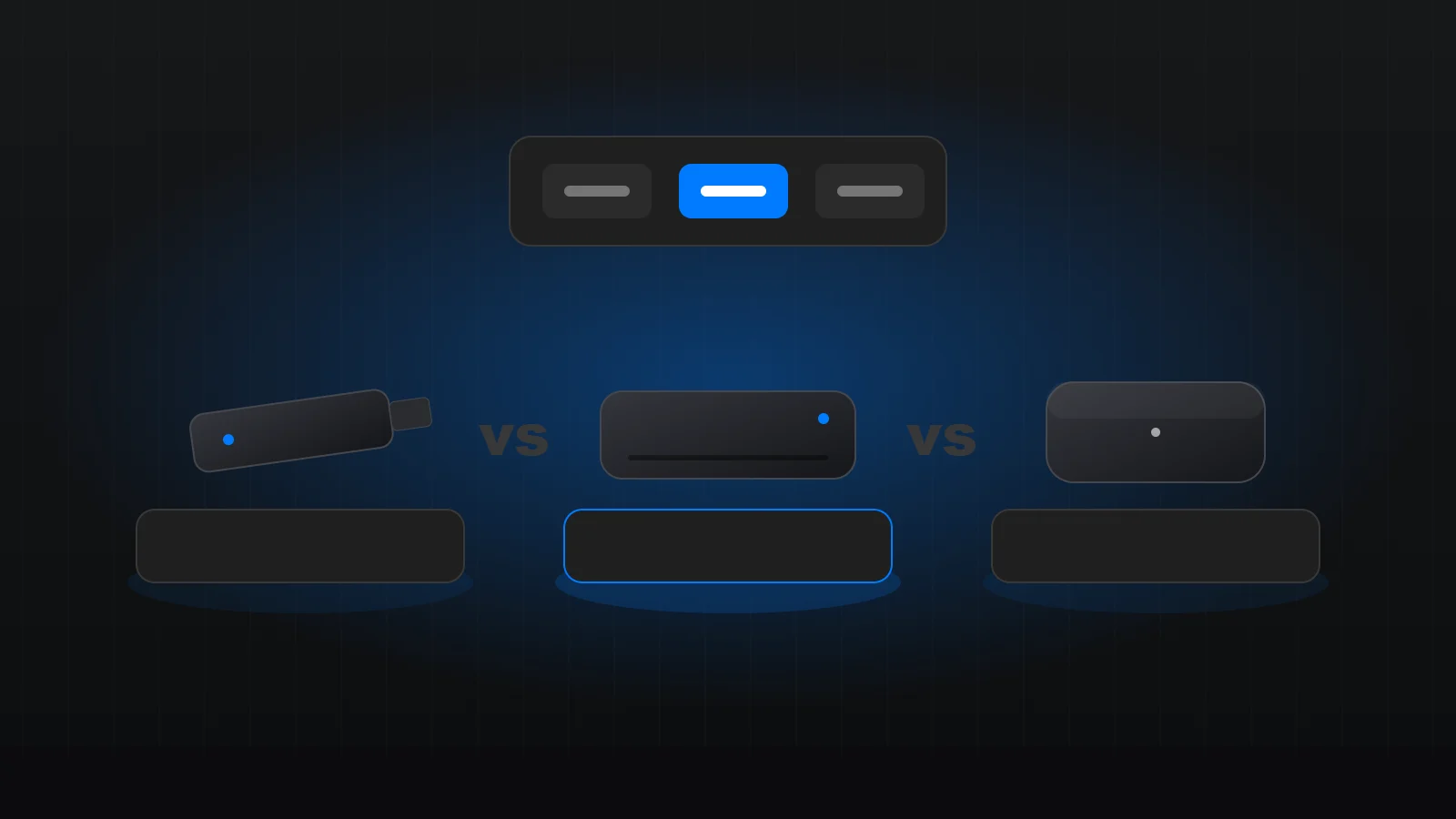
Fire TV Stick, Roku and Apple TV are the three streaming devices we set up most often. All three play the major streaming apps well. The differences are in the home screen, the remote, the ecosystem they belong to and how long they will keep getting updates. Here is how we help households choose.
First: do you need a device at all?
If your TV is fairly new and its built-in apps are fast and up to date, you may not need anything extra. A separate device makes sense when the TV menus are slow, the TV no longer gets updates, or an app you use is missing.
Fire TV Stick
Best for: households already using Amazon services and Alexa, and anyone who wants a capable device at a low price.
Fire TV sticks are inexpensive, compact and quick to set up. Alexa voice search works well, and the 4K models handle HDR and Dolby Atmos. The trade-off is a home screen that gives a lot of space to promoted content, which some people find busy. A few minutes of tidying — moving your own apps to the front — helps a lot. Our Fire TV Stick setup guide walks through it.
Roku
Best for: households who want the simplest, most neutral home screen, and anyone who does not want to be tied to Amazon, Google or Apple.
Roku’s grid of big app tiles is the easiest interface for many people, especially older family members. It is brand-neutral, and its search lists results across many services. Picture-quality features vary by model, so pick a 4K HDR model for a modern TV. Remember that Roku activation is free — any site asking for an activation fee is not Roku. See our Roku setup guide.
Apple TV 4K
Best for: iPhone and iPad households, and people who want the fastest, most polished experience and plan to keep the device for years.
Apple TV costs more, but it is very fast, gets software updates for a long time, and handles picture settings like frame-rate and dynamic-range matching better than most devices. AirPlay from iPhone and iPad is seamless, and the household features — separate users, shared home screen — work well. Our Apple TV guide covers setup.
A quick comparison
- Price: Fire TV and Roku are budget-friendly; Apple TV is a premium purchase.
- Ease of use: Roku is simplest; Apple TV is the most polished; Fire TV is capable but busier.
- Ecosystem: Fire TV suits Alexa homes, Apple TV suits iPhone homes, Roku stays neutral.
- Long-term support: Apple TV typically receives updates longest.
- Remotes: all three can control TV power and volume over HDMI-CEC once set up.
What matters more than the brand
In our sessions, the device is rarely the reason streaming feels bad. The usual culprits are weak Wi-Fi at the TV, a stick powered from the TV’s USB port, the wrong HDMI port, or a soundbar on the wrong setting. Whichever device you pick, power it from its wall adapter, update it before installing apps, and check the network speed where the TV sits.
Our recommendation
Match the device to your household: Roku for simplicity, Fire TV for value in an Alexa home, Apple TV for iPhone households who want the best experience. Then set it up properly — that is where most of the difference comes from.
Setting up more than one TV? The Whole Home package covers up to three devices for $69 one-time. See all packages.
Questions we hear before people buy
Will my current subscriptions work on all three?
The major streaming services offer official apps on Fire TV, Roku and Apple TV, but always check that every service you pay for is available before you buy. Your subscriptions stay with your own accounts whichever device you choose.
Is 4K worth it?
If your TV is 4K, yes — buy a 4K HDR model of whichever device you choose. Remember that your internet connection at the TV and your plan with each service also decide the quality you get.
Can I mix devices in one house?
Absolutely. Many homes use a Roku in the bedroom and an Apple TV in the living room. Profiles and watch history follow your account, not the device, so switching rooms is seamless.
Want it done for you?
Book a free 15-minute setup check. We confirm your device is supported, recommend the right package and send you available times. Tell us which device you are considering and we can tell you how it will fit with what you already own.
Keep reading
How to Set Up Streaming Apps on a New Smart TV (2026 Guide)
A step-by-step plan for getting a new smart TV updated, connected and signed in to the apps you already pay…
Read article